
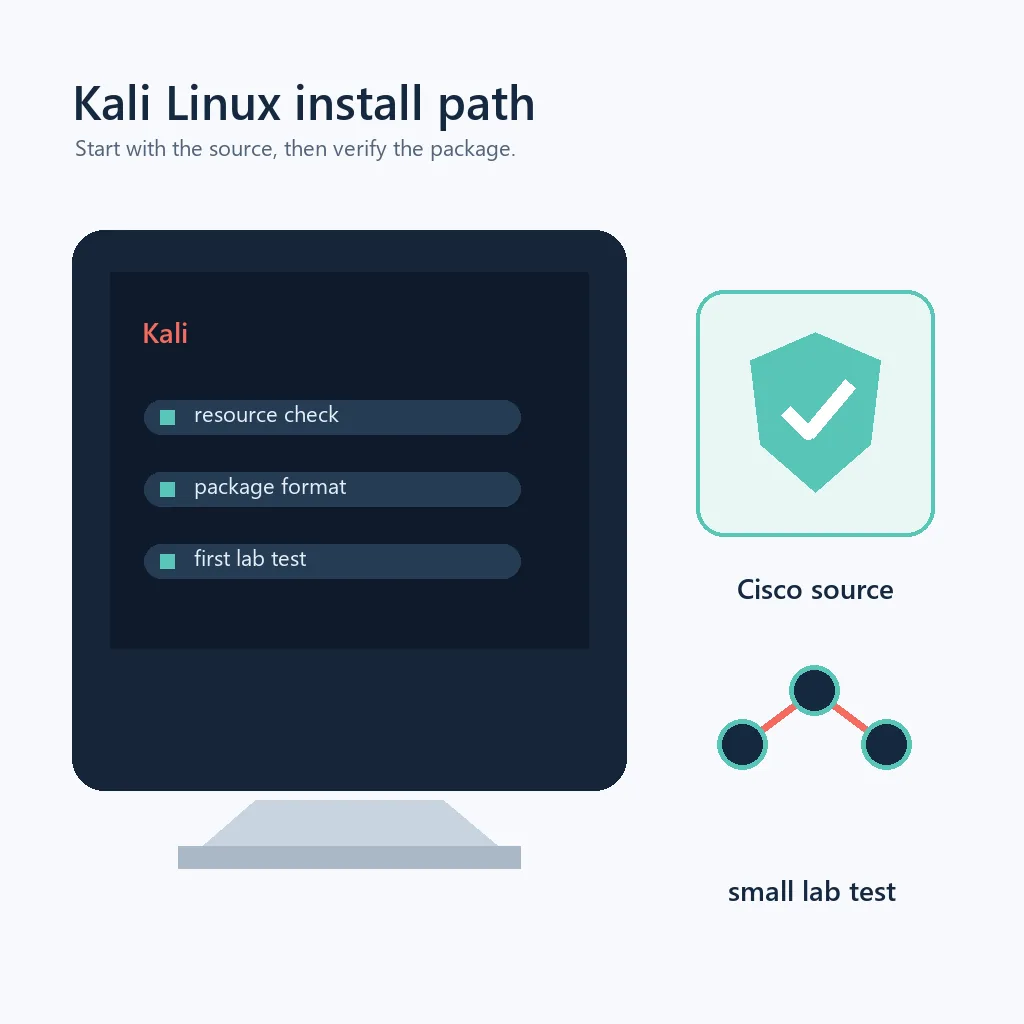
Packet Tracer for Kali Linux download facts
- Primary keyword
- download packet tracer for kali linux
- Kali package family
- Kali is Debian-based and commonly uses DEB/APT tooling
- Official package source
- Cisco Networking Academy Resource Hub at netacad.com
- Release signal checked
- Cisco Packet Tracer 9.0.1 public release signal; the account-specific package remains authoritative
- Direct installer URL
- Not published as a stable public link; use Cisco's authenticated resource flow
- Freshness check
- Verified September 18, 2026; package visibility can vary by account, region, or Cisco release flow
Understand the Kali Linux support boundary first
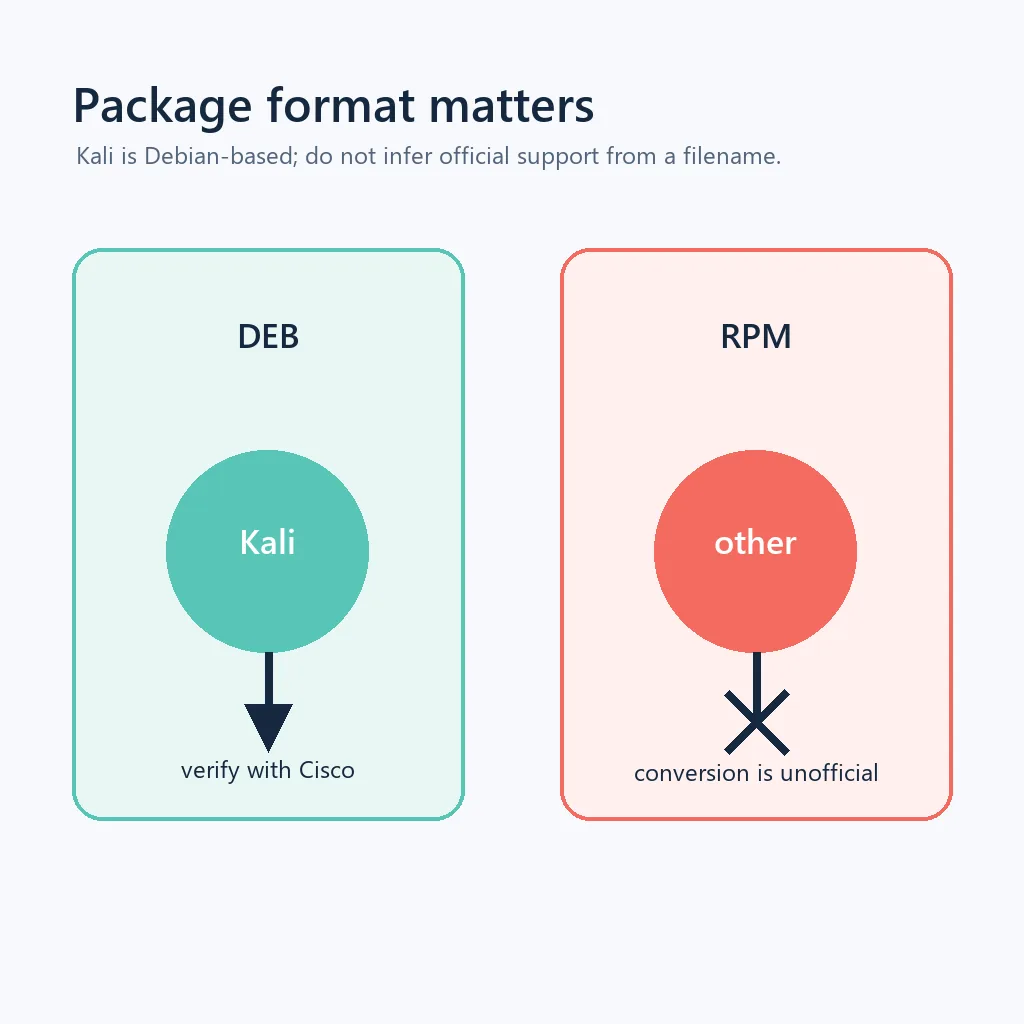
Kali Linux is built on Debian technology, so a DEB package may look familiar. That relationship is useful for understanding the package manager, but it is not proof that Cisco lists Kali as a supported operating system. Support depends on the Packet Tracer release, the desktop environment, the libraries available on the host, and the requirements shown in Cisco's current resource entry.
Before downloading, open the Cisco Resource Hub and record the version, package format, architecture, and supported Linux environments that you can actually see after sign-in. Then compare the listing with cat /etc/os-release, uname -m, available disk space, and your ability to use sudo. Treat the visible Cisco listing as the authority for the session; an old tutorial or a package filename copied from a forum is not a current support statement.
| Check | What it confirms | Safe decision |
|---|---|---|
| Source domain | The download starts in Cisco's official flow | Continue only on Cisco or Networking Academy pages |
| Package format | The file is the format Cisco currently publishes | Do not rename a file or trust an unknown conversion |
| Architecture | The package can match the machine | Compare Cisco's listing with uname -m |
| Support wording | Kali, Debian, or another environment is named | Use a supported environment when Kali is not listed |
How to download Packet Tracer for Kali Linux safely
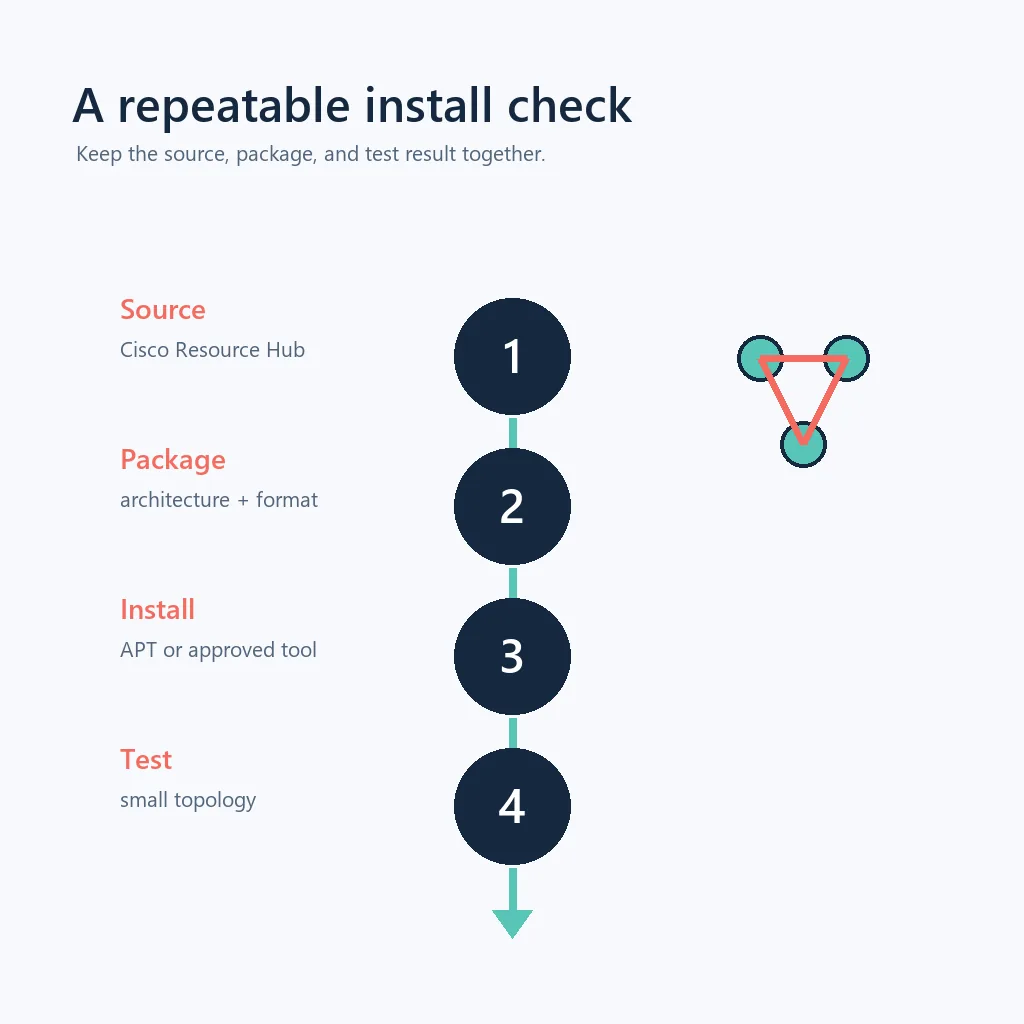
A safe Kali download is a short chain that you can explain later: identify the host, open Cisco's official resource page, authenticate on the Cisco domain, read the current Linux entry, and save the original package. The purpose is not to find the smallest or fastest mirror. It is to keep the source and release information connected to the file you install.
- 1
Inspect the Kali host
Run
cat /etc/os-releaseanduname -m. Record the Kali release, architecture, desktop session, and available storage. - 2
Open Cisco Networking Academy
Use the official button above, confirm the hostname is netacad.com, and sign in only on Cisco-controlled pages.
- 3
Read the current Linux entry
Check the visible Packet Tracer version, package type, architecture, requirements, and any support or course-access notes.
- 4
Download the original file
Keep Cisco's original filename and save the package in a dedicated Downloads folder. Do not run an extra installer offered by an advertisement.
Prepare Kali before installing the DEB package
Update the Kali host through its normal, trusted repositories before troubleshooting Packet Tracer. A current package index helps APT report dependencies accurately, but it does not make an unsupported application supported. Avoid mixing several third-party repositories just to satisfy one missing library; that can make the host harder to audit and harder to restore.
Confirm that the downloaded file is complete and that its name matches the release information you recorded. If Cisco provides a checksum or file-size reference in the authenticated resource flow, compare it. If no public checksum is available, do not invent one or describe the file as independently security-scanned. The useful claim is narrower: the download came through the official Cisco resource flow and was not replaced by a mirror.
- Check the CPU architecture and Kali release before choosing a package.
- Keep at least one backup copy of important PKT projects outside the test host.
- Use normal Kali repositories for system dependencies; do not download loose libraries from random sites.
- Keep the original Cisco package instead of renaming or unpacking it into system directories.
Install Packet Tracer on Kali with APT
If Cisco's current Linux package is a DEB and you have decided to test it on Kali, install the local file through APT rather than extracting files by hand. A package manager can show dependency changes, register the files, and give you a clearer removal path. Replace the example filename with the exact original filename you downloaded from Cisco.
From the directory containing the package, a typical Debian-family command is sudo apt install ./CiscoPacketTracer*.deb. Read the proposed packages, disk-space change, and any dependency warnings before confirming. If APT says the package is not suitable for the architecture or cannot resolve a required library, stop and record the complete message. Do not disable dependency checks or force an install just to make the command finish.
After installation, launch Packet Tracer from the application menu or the command supplied by the package. Complete any Cisco sign-in requested by the application, create a small topology with one router and one switch, and save a test file in your user-owned lab directory. A successful first launch is useful evidence, but it does not change Cisco's published support status for Kali.
- 1
Open the package directory
Use
cd ~/Downloadsor the folder you selected, then verify the original DEB filename withls -lh. - 2
Install through APT
Run the local-file form of APT and review the dependency summary before entering your administrator password.
- 3
Read errors instead of forcing them
If a library or architecture is missing, copy the exact package name and stop before adding random repositories or system-wide symlinks.
- 4
Launch as your normal user
Open the application without
sudoso configuration, preferences, and project ownership remain consistent.
The command is a Debian-family installation pattern, not a guarantee that every Packet Tracer release is supported on Kali. Cisco's current requirements remain authoritative.
Troubleshoot common Kali Packet Tracer problems
Missing shared libraries usually mean that the package expects a different distribution release, architecture, or desktop stack. Record the exact library and error text, check the package manager's normal repository metadata, and compare the host with Cisco's supported requirements. Downloading a similarly named library from an unrelated website or creating a blind symlink can introduce a second problem without fixing the ABI mismatch.
Authentication loops can come from an incorrect system clock, DNS or proxy restrictions, blocked Cisco domains, or an application build that cannot complete its browser handoff. Check time, network access, and the exact domain before changing certificates or disabling security controls. If a PKT file will not open, compare the creating and opening releases and test a small new file to separate file compatibility from installation failure.
- Unmet dependency: use APT's diagnostic output and do not force a broken installation.
- Wrong architecture: compare Cisco's package listing with
uname -m. - Root-only launch: repair ownership and retry as the normal desktop user.
- Blank sign-in window: check time, DNS, proxy rules, and access to Cisco domains.
- PKT incompatibility: compare versions and restore the backup before converting files.
Download Packet Tracer for Kali Linux FAQ
Where can I download Packet Tracer for Kali Linux?
Start with Cisco Networking Academy's authenticated Resource Hub. It is the source of record for the current Linux package and access requirements; this site does not mirror the installer.
Does a Debian package automatically support Kali Linux?
No. Kali's Debian base explains why APT and DEB commands may work, but Cisco's current release requirements decide whether Kali is supported.
Can I install Packet Tracer on Kali with APT?
If Cisco provides a compatible DEB and you choose to test it, install the local package with APT, review dependencies, and launch as a normal user. Treat an unlisted Kali result as a compatibility test.
Why does Packet Tracer show a missing library on Kali?
The package may target another distribution release, architecture, or desktop stack. Read the exact APT error, compare Cisco's requirements, and avoid downloading loose libraries or creating blind symlinks.
What is the safest alternative if Kali installation fails?
Use the official Cisco package in a supported Ubuntu or other listed Linux environment, often inside a virtual machine, and keep your lab backups outside the guest.
Official sources checked
- Cisco Packet Tracer product and training page
Product context and official training/download direction; checked September 18, 2026.
- Cisco Networking Academy Resource Hub
Authenticated resource location used for the current package flow; checked September 18, 2026.
- Cisco Packet Tracer 9.0.1 release article
Public release signal; package visibility and direct file access can remain account-specific.