
Command guide at a glance
- Primary task
- Packet Tracer コマンドガイド
- Latest release check
- Packet Tracer 9.0.0 — Cisco announcement, July 14, 2026
- Best first command
- show ip interface brief
- Safe habit
- Verify before and after every change
デバイスの CLI を開く
Select a router or switch, open its CLI tab, press Enter when the console is ready, and read the prompt before typing. PCs use Desktop > Command Prompt for ping and ipconfig; network devices use the IOS CLI.
IOS プロンプトを理解する
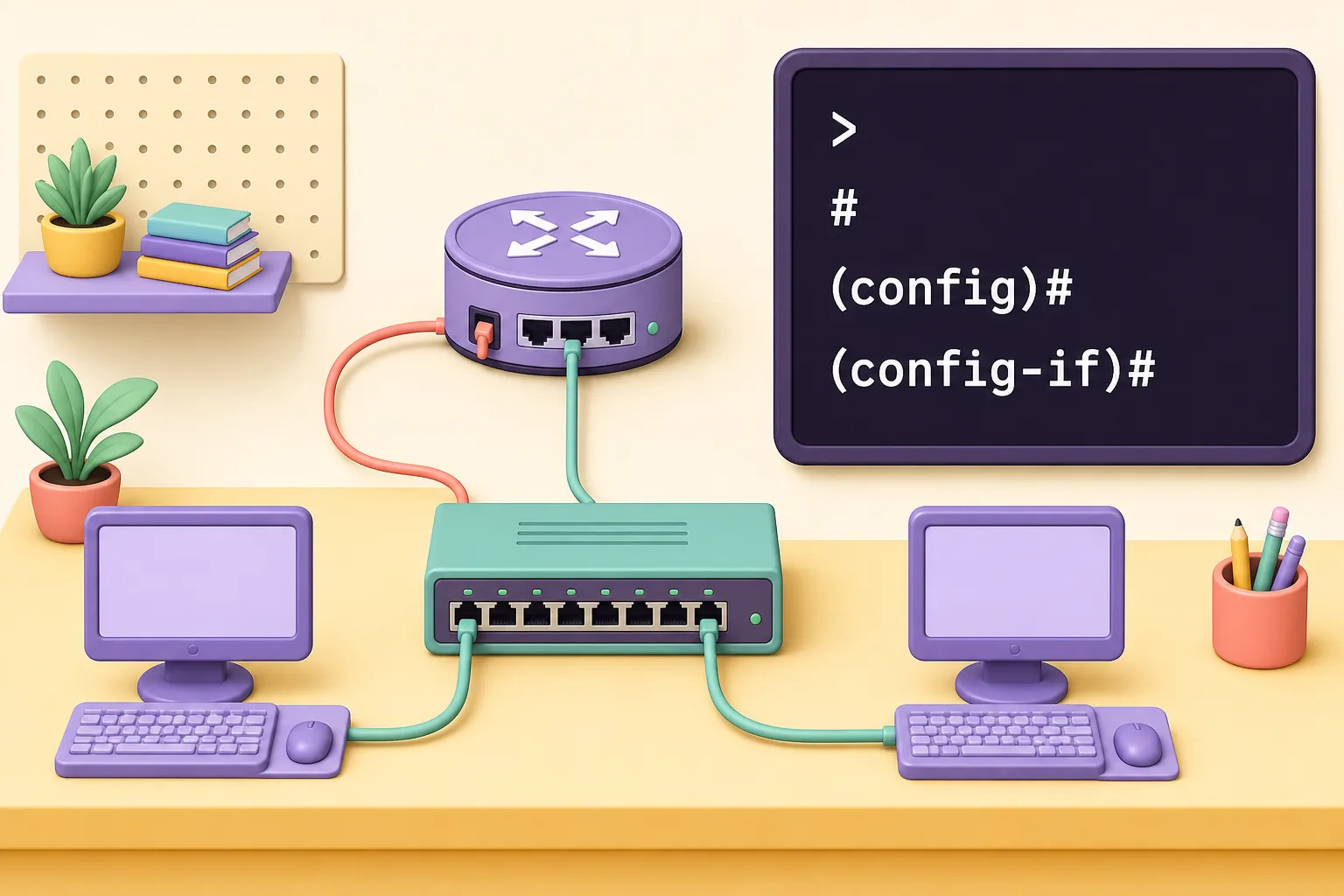
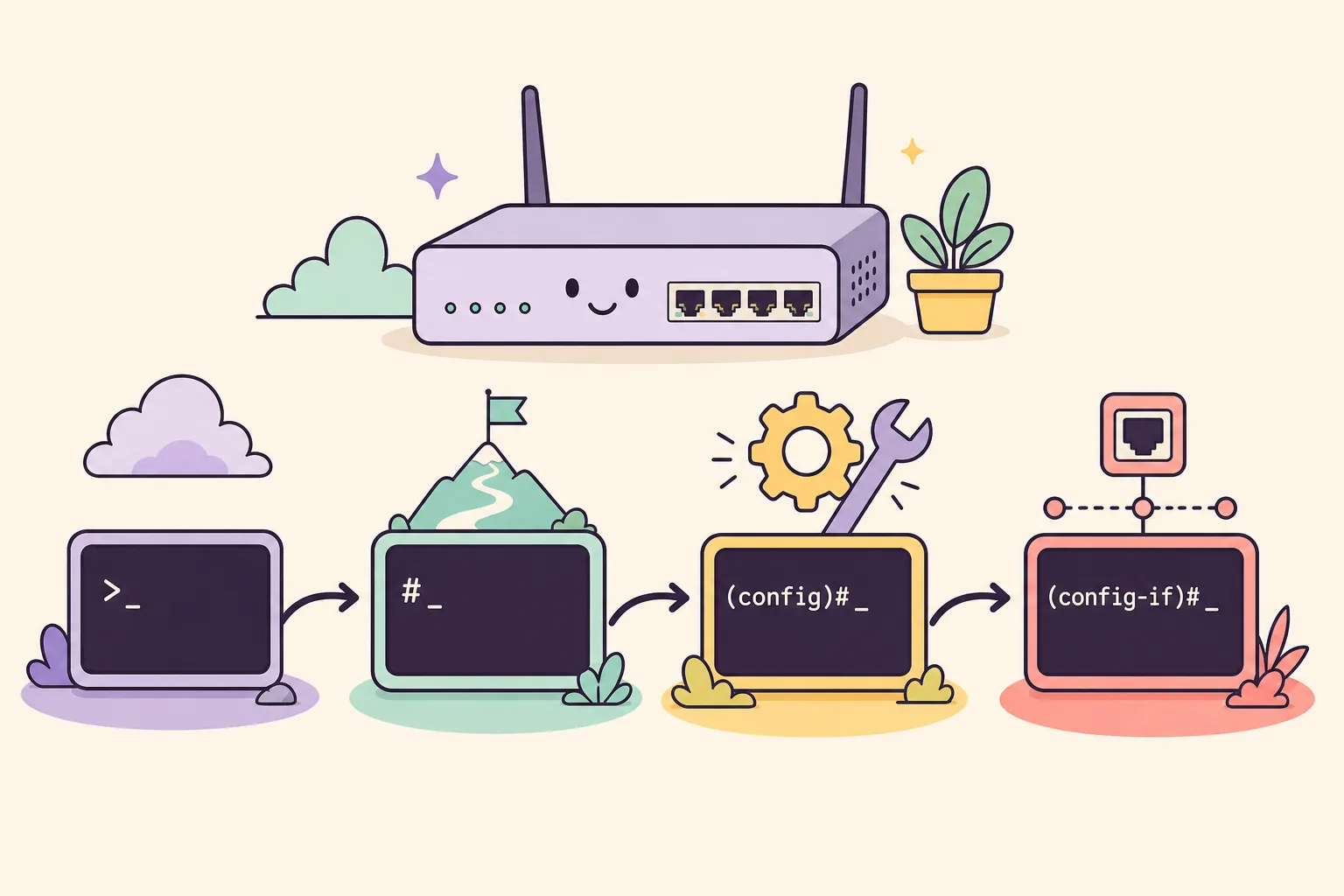
The prompt tells you what commands are valid. User EXEC ends with >. Enter enable for privileged EXEC #, configure terminal for global configuration (config)#, and interface gigabitEthernet 0/0 for interface configuration (config-if)#. Use exit to move back one level and end to return to privileged EXEC.
インターフェースを設定する
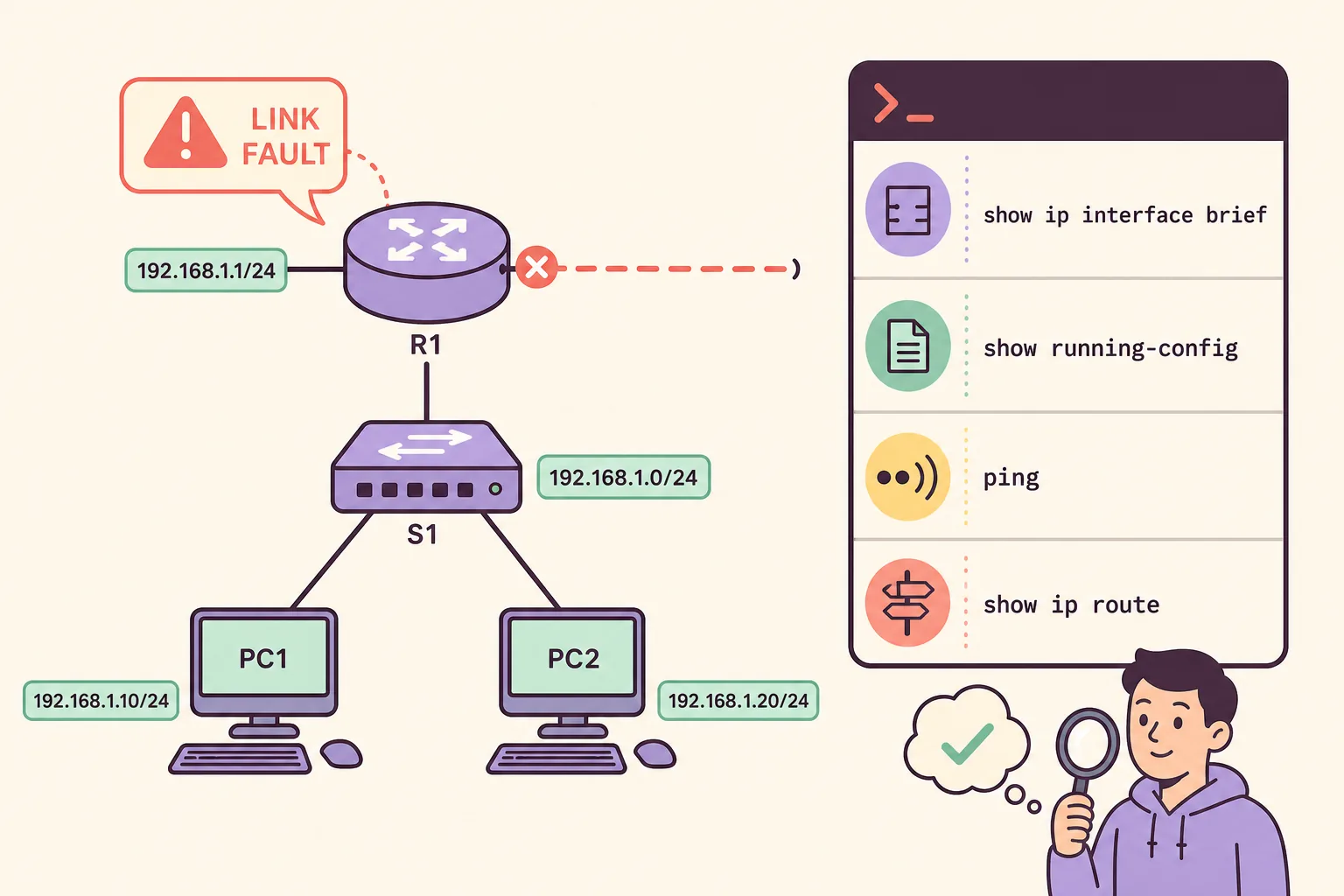
Start with show ip interface brief, show running-config, show ip route, show vlan brief, ping, traceroute, enable, configure terminal, interface, ip address, no shutdown, copy running-config startup-config, and ?. Verification commands should come before configuration changes.
| Command | Purpose | Mode |
|---|---|---|
| show ip interface brief | Interface status and addresses | # |
| show running-config | Current configuration | # |
| show ip route | Routing table | # |
| configure terminal | Enter global configuration | # |
| no shutdown | Enable an interface | (config-if)# |
| ping 192.168.1.1 | Test reachability | > or # |
ネットワークを確認する
Inspect the current state, enter configuration mode, change one item, exit, verify, and save only after the result is correct. For an interface, set the address and mask, run no shutdown, then verify both Status and Protocol with show ip interface brief.
順番にトラブルを切り分ける
A caret under a command usually marks the first unrecognized character. Check the current prompt, spelling, abbreviation ambiguity, interface name, and Packet Tracer device support. For failed pings, check cables and port lights, IP address and mask, interface state, default gateway, route table, VLAN membership, and ACLs in that order.
順番にトラブルを切り分ける
Use ? for context help, Tab for completion, and the up arrow for history. Build a two-router lab, configure one link at a time, record expected output, and compare it with show commands. The goal is to recognize state and choose the next test, not to memorize a giant cheat sheet.
Packet Tracer command FAQ
Packet Tracer の CLI はどこですか?
Select a router or switch, open its CLI tab, press Enter when the console is ready, and read the prompt before typing. PCs use Desktop > Command Prompt for ping and ipconfig; network devices use the IOS CLI.
初心者が最初に覚えるコマンドは?
Begin with enable, configure terminal, interface, ip address, no shutdown, show ip interface brief, show running-config, show ip route, ping, and copy running-config startup-config.
Invalid Input が出る理由は?
A caret under a command usually marks the first unrecognized character. Check the current prompt, spelling, abbreviation ambiguity, interface name, and Packet Tracer device support. For failed pings, check cables and port lights, IP address and mask, interface state, default gateway, route table, VLAN membership, and ACLs in that order.